Get Rich or Die TTYing – Part 2: Console markup
This is the second instalment in a series exploring everything you can (and perhaps sometimes shouldn’t) do with Rich – a Python library for styling terminal output. Oh, and everyone’s favourite mid-2000s rapper is along for the ride. My last post covered the blinging up the REPL.
Today’s topic is Rich’s console markup.
So, taking inspiration from the words of Fiddy himself:
It ain’t my fault, I just reach for style
I’m hot, I breaks it down
It ain’t my fault, you can’t break it down
The way I break it down— 50 Cent, God Gave Me Style
Overview
Rich uses a simple markup language for quickly annotating input passed to
print(), log(), or anywhere else Rich accepts strings, e.g.:
from rich import print

print("[bold]G-Unit[/bold]")
The first set of square brackets contains the style (or styles) to be applied
to all text until the closing set ([/bold] in this case).
Styled text can also be closed without specifying the style again, i.e. just
with [/]. Further, you can omit the closing syntax entirely if you’d like the
style to be applied until the end of the line. Therefore all of the following
print statements produce the same output.
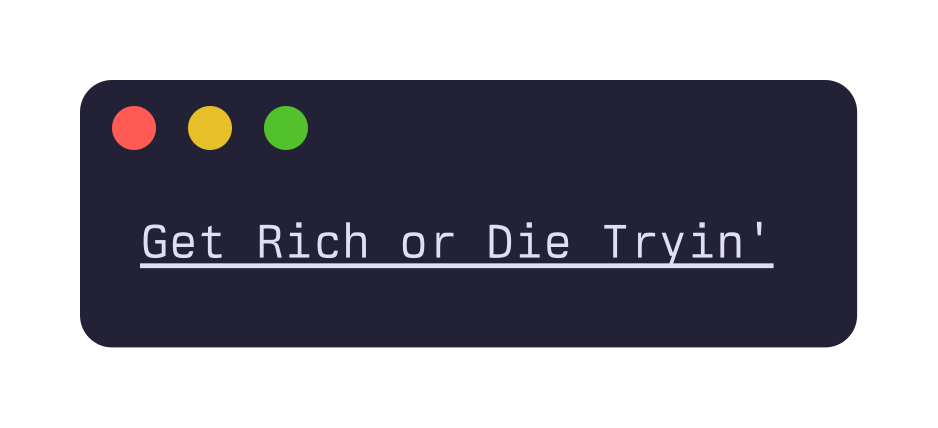
print("[underline]Get Rich or Die Tryin'[/underline]")
print("[underline]Get Rich or Die Tryin'[/]")
print("[underline]Get Rich or Die Tryin'")
# there's even a short name for this style
print("[u]Get Rich or Die Tryin'")
“Don’t care, didn’t ask,” I hear your atrophied attention span say.
I get it. We’d all rather be in da club, bottle full of bub’. But when you consider the alternative to the previous example relies on wrapping your string in ANSI escape sequences, i.e.
print("\x1b[4mGet Rich Die Tryin'\x1b[24m")
I think we can all agree Rich is a real timesaver for the modern hustler.
As an aside, I was interested to see that the markup language is loosely based on BBCode (“Bulletin Board Code”), since a similar markup language is also used by Spectre.Console, a dotnet package with close functionality to Rich.
Colour
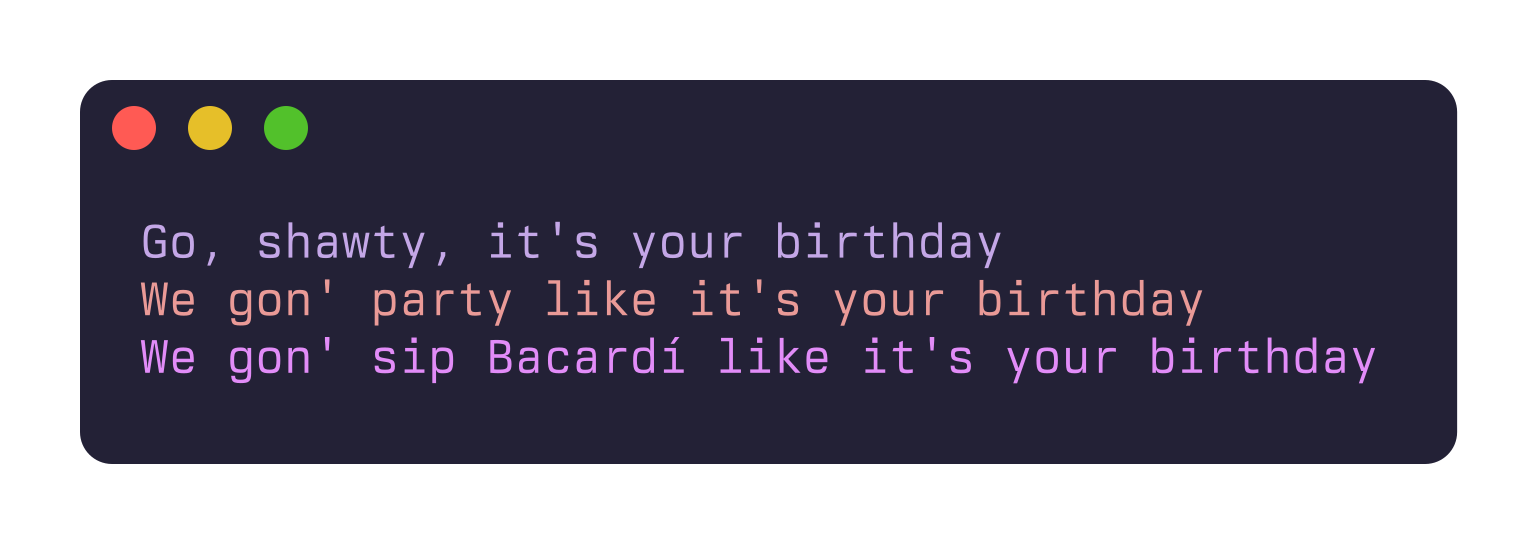
Colour can be added to text in one of two ways:
- Specifying one of the 256 named colours, either by name (
magenta), or number (color(5)) - Supplying a hex value, e.g.
#bb2a25.
So,
print("[magenta]Go, shawty, it's your birthday[/]")
print("[color(6)]We gon' party like it's your birthday[/]")
print("[#e28cf8]We gon' sip Bacardí like it's your birthday[/]")
Produces:
It’s worth noting that the first 16 named colours, e.g. color(1)/red, are
generally defined by a terminal’s colour scheme, rather than being an exact
colour like #d70000. This is a good thing. With terminal-defined colours,
although you lose precise control of the output, you know they’ll fit with the
user’s theme and have reasonable contrast.
Styled text
Beyond colour, Rich can add styles like bold, underline and italics to your text. To illustrate, I’ve styled some heartfelt lines from 21 Questions.
| Style | Result |
|---|---|
[bold]/[b] |
 |
[italic]/[i] |
 |
[dim]/[d] |
 |
[underline]/[u] |
 |
[underline2]/[uu] |
 |
[strike]/[s] |
 |
[reverse]/[r] |
 |
The table above contains common styles supported by many – but not all – modern terminals like Ghostty, Kitty, WezTerm, Konsole and the like. On the left is the style (and abbreviated form); on the right is its corresponding output.
Weird stuff your terminal probably won’t support
Rich also allows for styles which are very seldom supported by modern
terminals. I haven’t included images of output in this section, since all
except [overline] are difficult to display.
[frame]: I have no idea what this is supposed to look like.[encircle]: Same here.[overline]: Like underline, but, you know, over.[conceal]: Blanks out the text. Actually, this one is quite widely supported. I just don’t know why you would use it instead of, say, not printing.[blink]: A slow blink (under 150 times per minute).[blink2]: A fast blink (more than 150 times per minute). Of the handful of terminals I experimented with, only WezTerm supported both kinds of blinks.
Combining styles
Styles can be combined and nested within each other. To demonstrate,
print("[underline green on white]God give me style, God give me grace[/]")
print("[italic magenta]God put a [yellow]smile[/] on my face[/]")
Becomes:
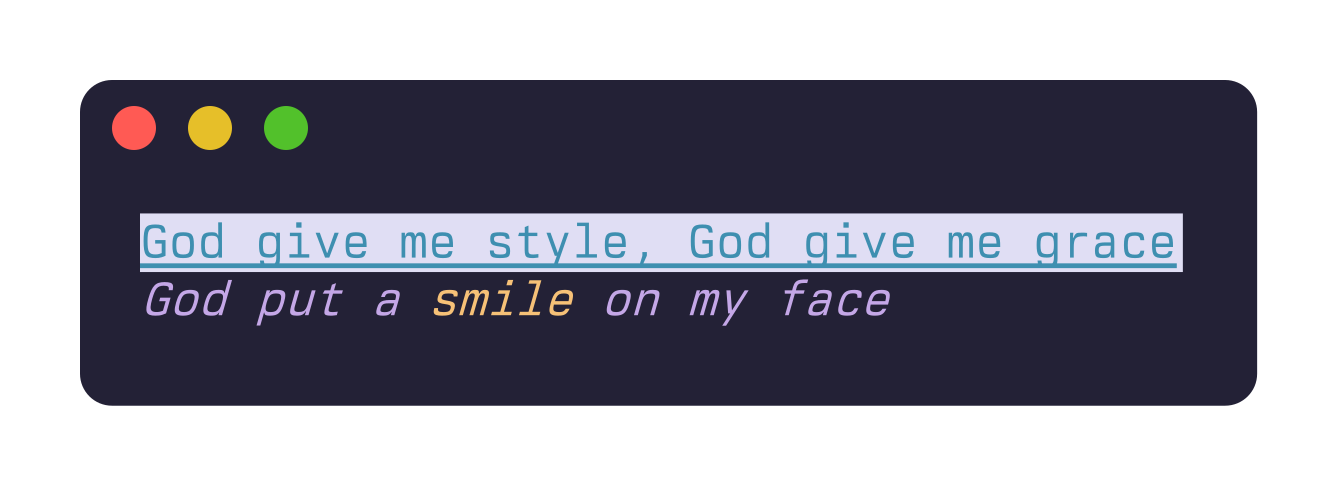
Remember: blue, white and magenta are part of the 16 colours defined
by your terminal’s theme (here, Rosé Pine Moon), so the snippet above will
probably look different if you run it yourself.
Emoji
Emoji can be referred to via their name surrounded by colons:
print(":heavy_dollar_sign: :heavy_division_sign: :two:")

# is the equivalent of
print("💲 ➗ 2⃣")
For a complete list of available emoji names + examples, run python -m rich.emoji in your terminal.
Links
Lastly, you can add interactive links to your output too.
url = "https://web.archive.org/web/20060116005724/http://www.50cent.com/"
print(f"Here's 50's [link={url}]website back in 2006.[/]")
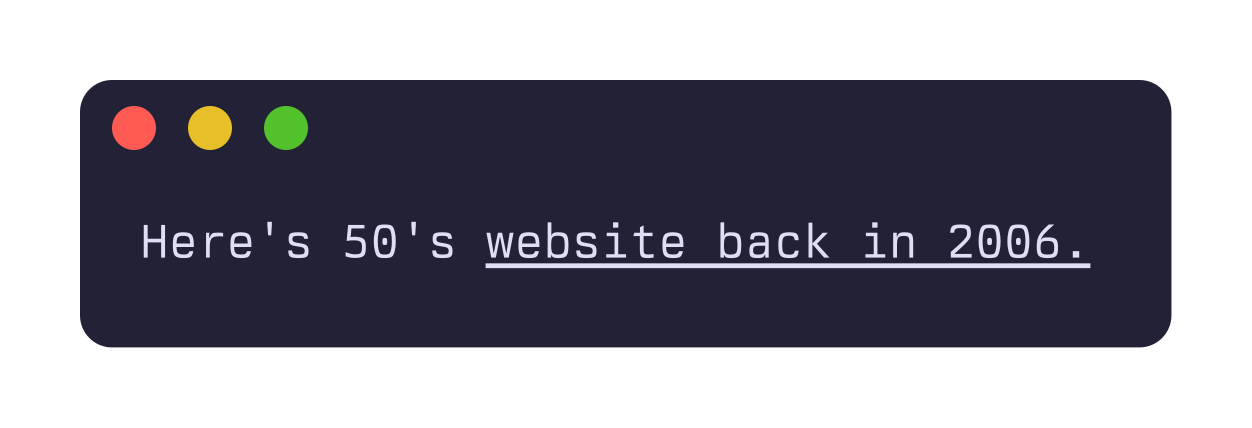
The caveat here is, again, as long as your terminal supports them.
There’s no real standard around how they’ll be displayed either. Some terminals will underline them. Some won’t. Others will only underline them on hover. Typically, you will need to Ctrl+Click to follow them too.
Conclusion
That’s a (w)rap! I encourage you to start adding some console markup to your
scripts, new or existing. With minimal effort, you can add some swag to your
print() and log() statements and generally make the terminal a more
interesting place. Just don’t overdo it (or do!), and keep in mind that not all
terminals are created equal.